


01
Match both connectors
Compare interfaces, coding and locking before choosing a cable.
Compare cable options

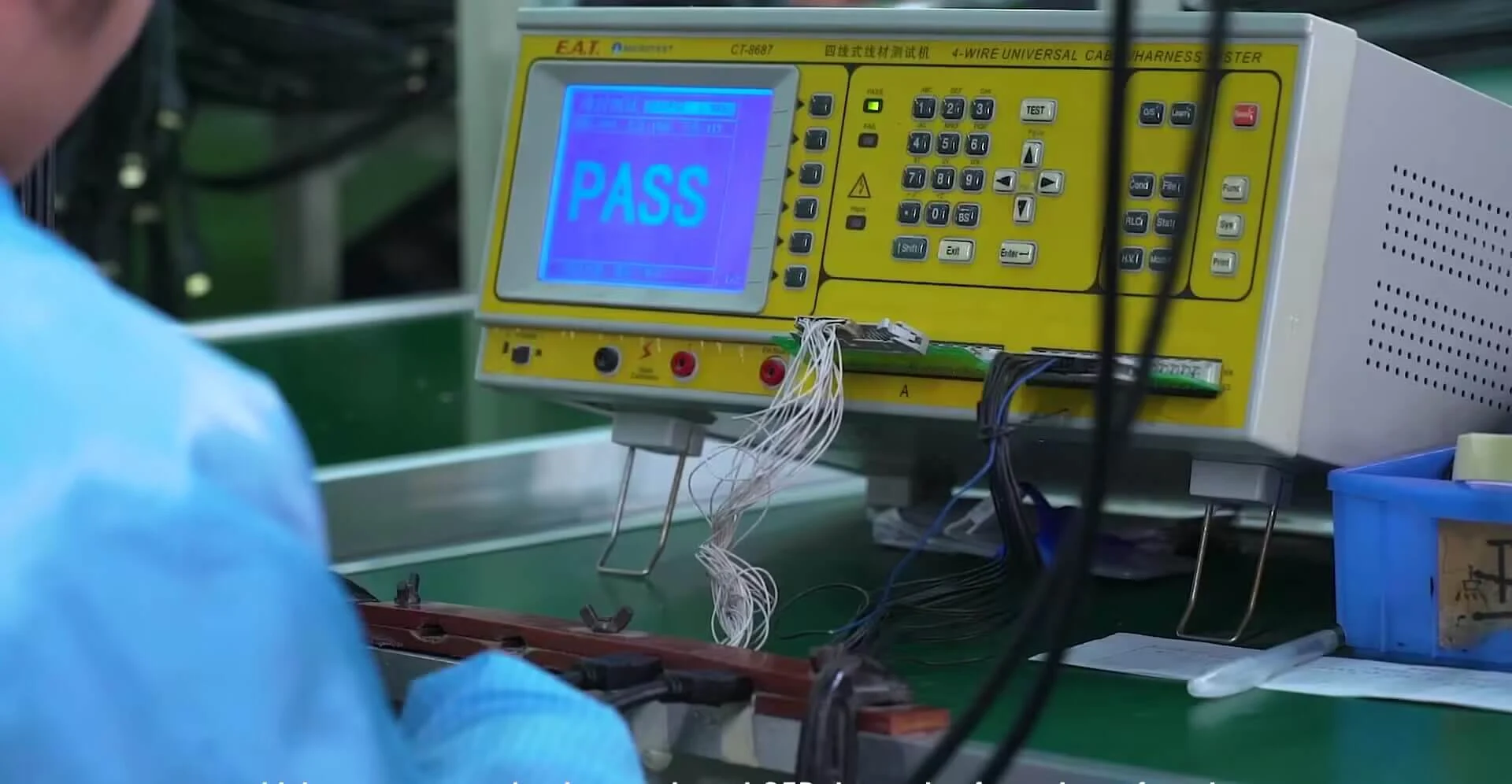
Six product families, organized around the connections your equipment needs.
Have a model? Compare its configuration and add it to your inquiry. Have a drawing? Send the interfaces, length and installation requirements for review.
Find your cableCompare interfaces, coding and locking before choosing a cable.
Compare cable optionsCheck connector direction, panel dimensions and routing space.
Discuss your drawingShare the connector pair, length and wiring when a standard option does not fit.
Discuss your drawingFor moving equipment, confirm bend radius, travel and motion before selecting a version.
Discuss your drawing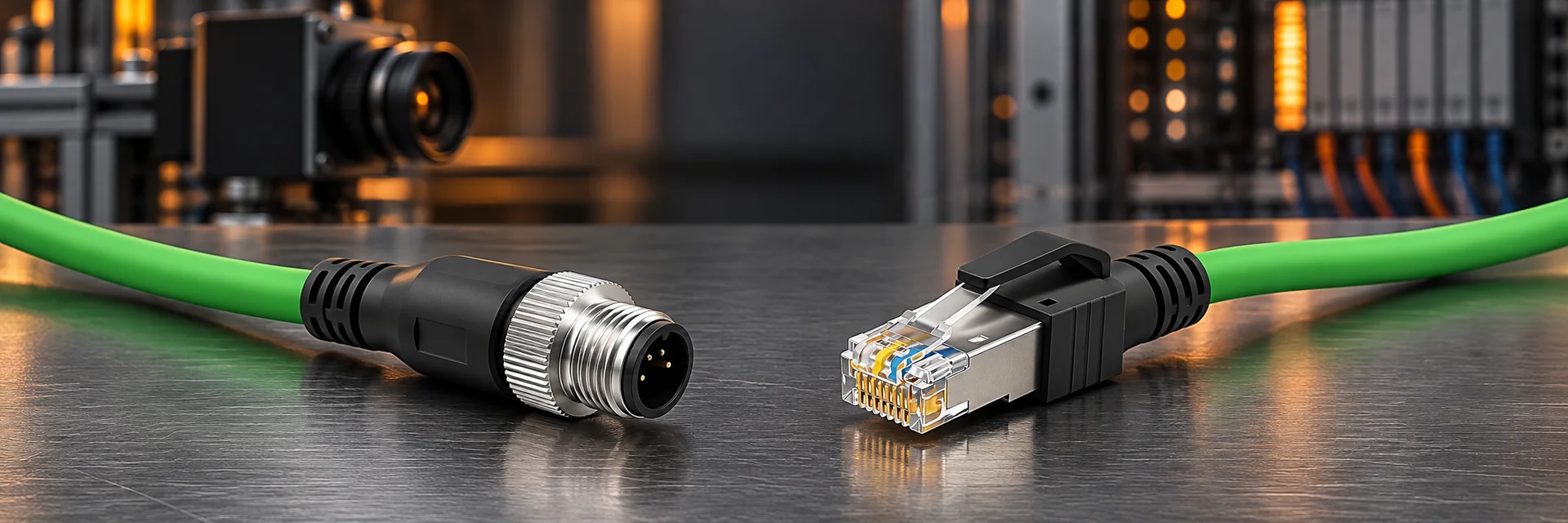
Start from the application, then work through the connections that matter.
Connect industrial cameras, frame grabbers and controllers. Match the interface, data rate, connector orientation and installation space.
Connect sensors, controllers and industrial networks. Specify the connector coding, pinout, cable routing and required environmental protection.
Connect industrial computers, displays and operator panels. Review signal compatibility, locking connectors and access through the enclosure.
Bring power, data and control connections into one equipment design. Coordinate drawings, cable lengths, pin assignments and assembly identification.
Move from an agreed configuration to a delivery plan for your equipment project.
Share the model or drawing, quantity and required arrival date. Confirm sample and production timing after reviewing the specification and material availability.
Agree the drawing revision, connector pair, pinout and inspection requirements before production. Reference the approved configuration when placing repeat orders.
Specify labels, packaging, destination and any staged delivery needs. Confirm the shipment arrangement and documents with the quotation.
Specify the connectors, pinout, length and installation conditions. Our team will review your drawing and assembly requirements.
Discuss your requirements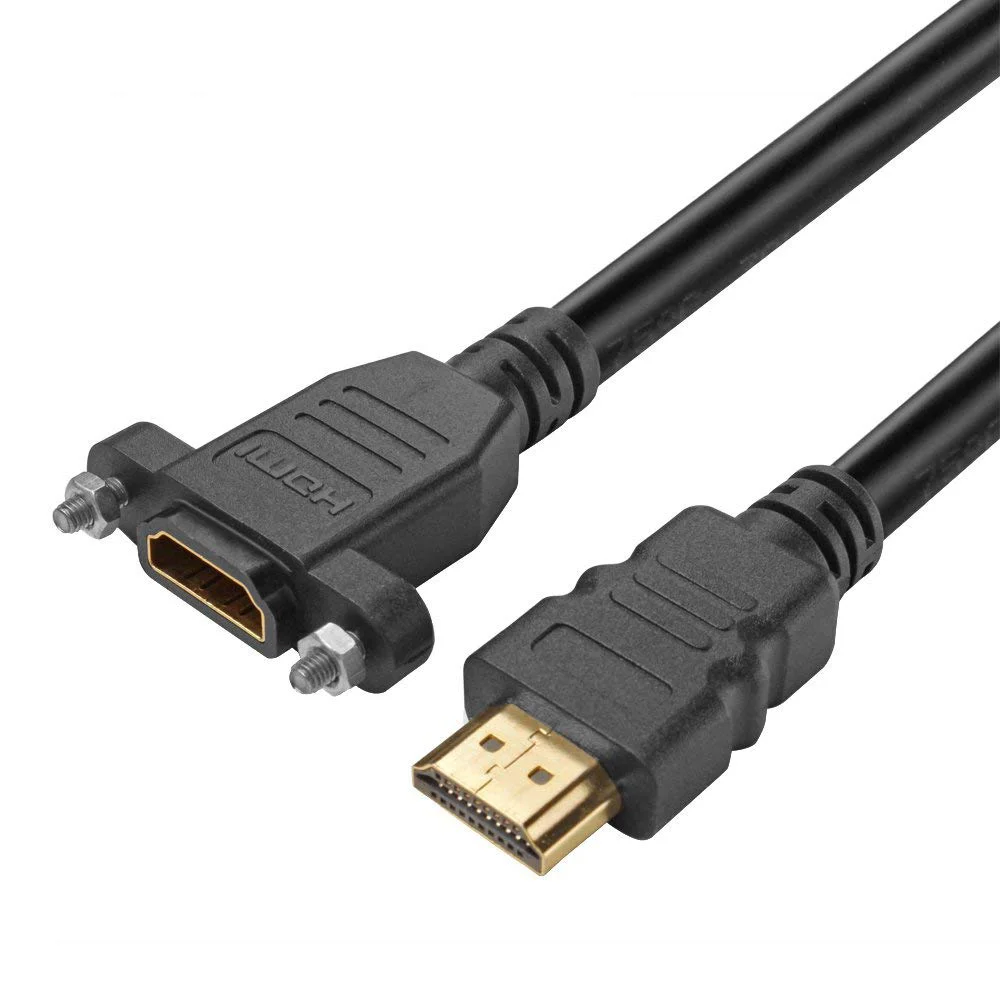
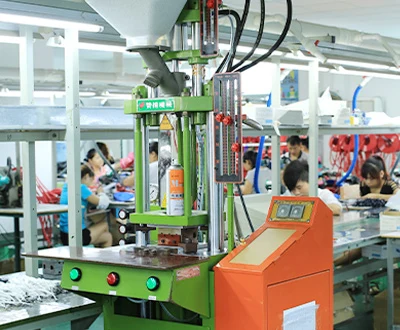
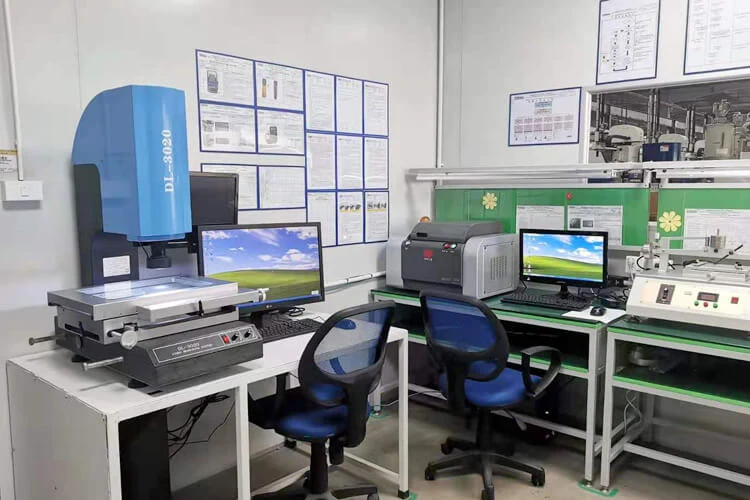
From drawing review to shipment, align the cable configuration, inspection requirements and batch identification with your equipment project.
Connectors, pinout, cable length and drawing revision.
Materials, termination and molding where applicable.
Inspection methods and acceptance criteria for the application.
Batch references, labels, protection and shipment documents.
Documents supplied for reference. The named holder, covered products and validity are defined by each original document; some relate to manufacturing partners. Request a readable current copy for your model and project.
View all certificates ↗
Product declaration of conformity.
View original image ↗
Quality management system certificate.
View original image ↗
Environmental management system certificate.
View original image ↗
Social compliance assessment document.
View original image ↗
HDMI adopter document.
View original image ↗
UL certification document.
View original image ↗
Intertek ETL verification document.
View original image ↗
FCC conformity document.
View original image ↗
Reaction-to-fire classification report for electric cables.
View original image ↗
SGS verification report concerning RoHS / REACH.
View original image ↗A practical starting point for your engineering review.
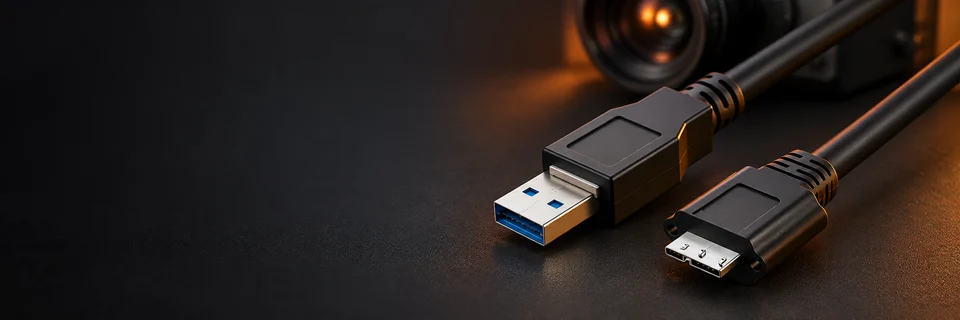
Start a machine vision cable inquiry with the camera, host and installation route. A familiar connector shape is only one part of a reliable imaging connection.
Read article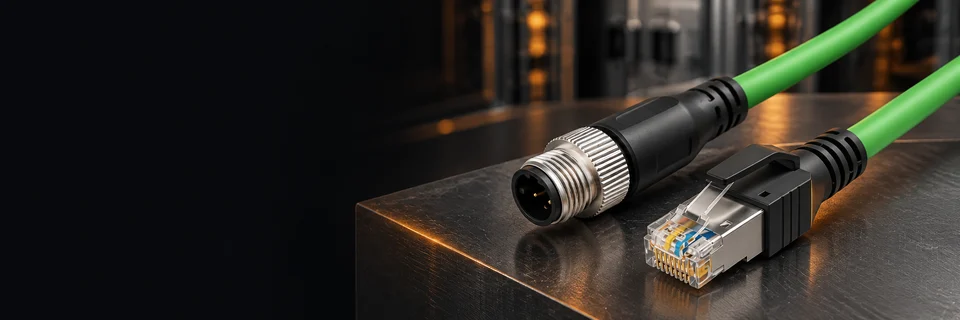
Specify an M12 assembly by coding, contacts and wiring, then confirm its mechanical installation. The M12 name by itself is not a complete purchasing specification.
Read article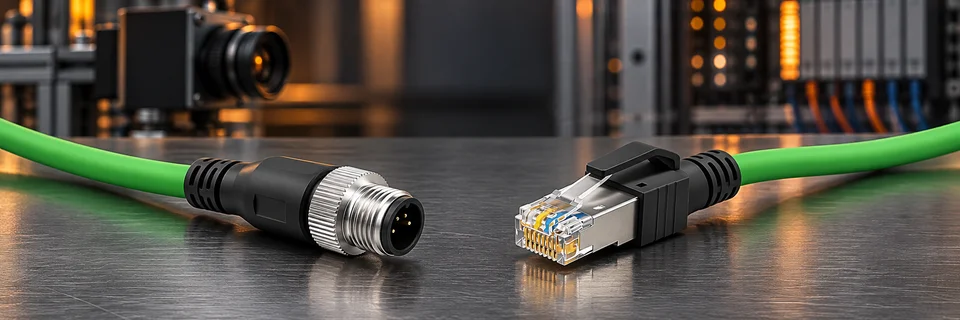
Separate fixed installation, repeated bending and torsion before selecting a cable. Describing the actual movement is more useful than asking for a cable that is simply flexible.
Read articleA model number, connector pair or drawing is a useful place to start.
ExploreRequest a quoteShare the interfaces, pin assignment, length and installation requirements for review.
They depend on the model, quantity, materials and tooling and are confirmed in the quotation.
Contact us to agree the documents, sample costs and validation plan for your model.
Suitability is model-specific. Share the bend radius, travel and cycle requirements.
Check interfaces, pinout, length, operating conditions and any driver requirements.
Provide the order, model, batch and issue details. Support follows the agreed terms.
A model number, connector pair or drawing is a useful place to start.
Confirm both equipment interfaces and pinouts.
Check mounting dimensions, orientation and available space.
Specify length, installation environment and movement.
Agree the drawing revision, sample and inspection requirements.
Request a quote…
Email: sales@qicable.com